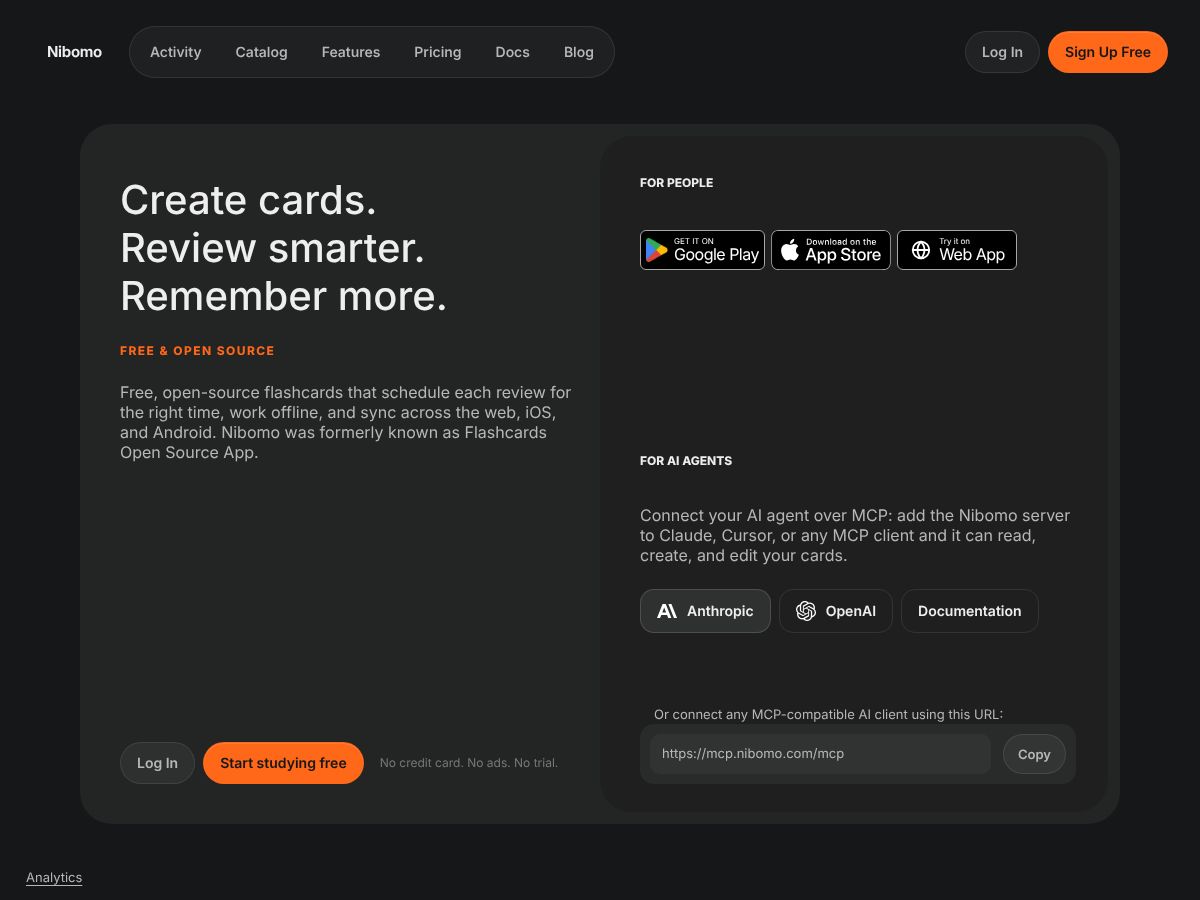
Nibomo is a Flashcards & SRS tool. Free flashcards app using spaced repetition to schedule reviews and help learners remember more. Works offline and syncs across devices. Best for students and self-learners.
About
About Nibomo
Nibomo addresses a fundamental problem in self-directed learning: knowing when to review something you've learned. Most learners either cram everything at once or review on a fixed schedule, both of which waste time on material you've already mastered and don't bring back material you're actually forgetting. Spaced repetition fixes this by timing reviews based on your actual recall performance—but doing that manually is impossible at scale.
How it works
You create flashcards by typing directly, generating them with AI assistance (describe a topic or upload notes, and the tool turns it into questions and answers), or importing existing decks. When studying, you see one card at a time, try to recall the answer, then rate how easily you remembered it. Nibomo uses the FSRS algorithm to schedule your next review: difficult cards come back sooner; familiar ones wait longer. This continues as you study, with your progress tracked on a calendar so you can build a consistent habit.
The platform works offline on mobile, and changes sync automatically across your web browser, iOS, and Android devices. You can import and export your cards at any time, ensuring your learning materials stay portable and yours.
Where it pays off
- Language learners benefit most from spaced repetition, especially when building vocabulary or drilling grammar patterns that need repeated exposure over weeks and months.
- Students preparing for exams save study time by focusing review sessions on weak areas rather than re-reading material they already know.
- Professionals learning domain knowledge (medical terminology, software concepts, compliance frameworks) can offload scheduling to the algorithm and study in short bursts without losing progress.
- Developers and AI agents can connect through MCP to automate card creation and improvement, turning note-taking into a review-ready system.
What to know before signing up
Nibomo is best for material that benefits from repeated recall—vocabulary, facts, definitions, concepts with clear answers. It's less suited for open-ended skills like essay writing or creative problem-solving that require feedback beyond "got it right or wrong." The free, open-source model means no vendor lock-in and no ads, but it also means you're responsible for maintaining your own cards. AI-assisted card creation can jumpstart your deck, but the quality depends on how clearly you describe what you want to learn. Finally, spaced repetition requires patience; it works over weeks and months, not days.
Capabilities
Key Features
FSRS algorithm schedules difficult cards sooner and familiar ones later
AI-assisted flashcard creation from notes or topic descriptions
Offline study with automatic cross-device sync
Import and export cards with full data portability
Connect AI agents via MCP to create and improve cards
Free, open-source, and self-hostable
FAQ
Frequently Asked Questions
Nibomo uses the FSRS algorithm to optimize review timing. Cards you find difficult return sooner, while familiar ones are delayed. You review only cards that are due today.
Yes. Nibomo works offline on mobile devices. Changes sync automatically when you reconnect to the internet.
Yes. Connect an AI agent like Claude through MCP protocol. The agent can read, create, and edit your cards while you stay in control of what gets saved.
Yes. You can import and export your flashcards, tags, and media at any time. Nibomo is open source, and you can also self-host it.
Community
User Reviews
Related