
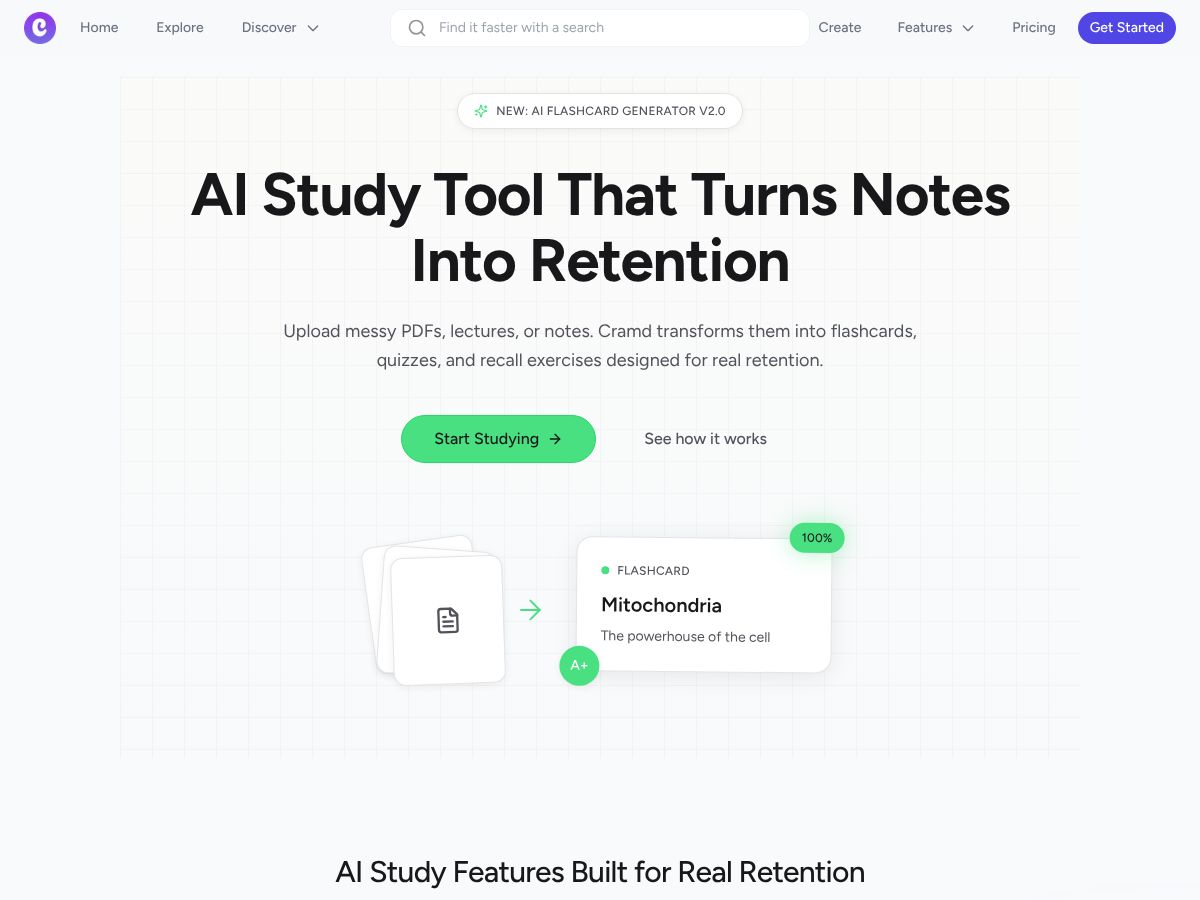
Cramd is a Study tool. Cramd converts PDFs, lectures, and notes into AI-generated flashcards, quizzes, and spaced repetition exercises for students preparing for exams. Best for students, college students and test takers.
About
About Cramd
Cramd addresses a real friction point in studying: the gap between having notes and actually retaining them. Whether your material lives in messy PDFs, lecture slides, handwritten pages, or YouTube videos, manually converting that into flashcards is time-consuming and often produces cards that don't stick. This tool automates that conversion and pairs it with evidence-based learning techniques, so you spend less time formatting and more time actually internalizing the material.
The features that matter
- Drag-and-drop import across formats: PDFs, Word documents, photos of handwritten notes, text, Quizlet decks, and YouTube videos all feed into one system. The AI processes whatever you upload and generates flashcards without manual transcription.
- Spaced repetition built-in: The platform doesn't just create cards—it schedules them based on cognitive science principles. You see material right before you're likely to forget it, which is where retention actually happens.
- YouTube to flashcards: Instead of rewatching videos or manually transcribing key points, you convert them directly into study materials.
- Adaptive exam simulation: Practice tests adjust difficulty based on your weak spots, so you're not spinning your wheels on topics you've already mastered.
- Socratic chat assistant: When a flashcard answer doesn't click, you can ask follow-up questions. The tool responds with guiding questions rather than just handing you the answer, which actually deepens understanding.
How it stands out
Most flashcard tools require you to build cards yourself or rely on pre-made decks that may not match your course. Cramd flips that: it starts with your actual materials and converts them automatically. That means your cards are always aligned with what you're being tested on. The spaced repetition algorithm and adaptive testing also mean the platform learns your learning speed rather than forcing you through a fixed schedule.
What to know before signing up
The quality of generated flashcards depends on the clarity of your source material. If your PDF is illegible or your notes are fragmentary, the AI has less to work with. This tool works best when paired with genuine study time—it removes the busywork of card creation, but you still need to engage with the material across multiple sessions for spaced repetition to do its job. It's designed for high school through graduate level and across STEM, humanities, and professional fields, so feature depth will vary depending on your subject.
Capabilities
Key Features
Drag-and-drop PDF and note import with AI processing into flashcards
Spaced repetition algorithms built-in for optimized retention
YouTube video conversion to flashcards and study materials
Adaptive exam simulation that tracks weak spots and adjusts difficulty
Socratic chat assistant for conceptual learning support
Universal import from Quizlet, Word, photos, and text formats
FAQ
Frequently Asked Questions
Cramd is an AI study tool that transforms notes, PDFs, videos, and lectures into interactive flashcards and quizzes using spaced repetition for better retention.
Spaced repetition is an algorithm that shows you flashcards at optimal intervals to reinforce memory over time, helping you retain information longer.
Cramd accepts PDFs, Word documents, text, images, handwritten notes, voice memos, YouTube videos, and can import from Quizlet and other platforms.
Basic offers limited AI generations and simple tracking. Premium unlocks unlimited AI generations, advanced spaced repetition, detailed analytics, and early access to new features.
Community
User Reviews
Related